
Guides · 2 min read
How to Set the DODOWIN DZ3 Drill Clutch for Furniture Screws
Test a matching screw before working on the finished piece.
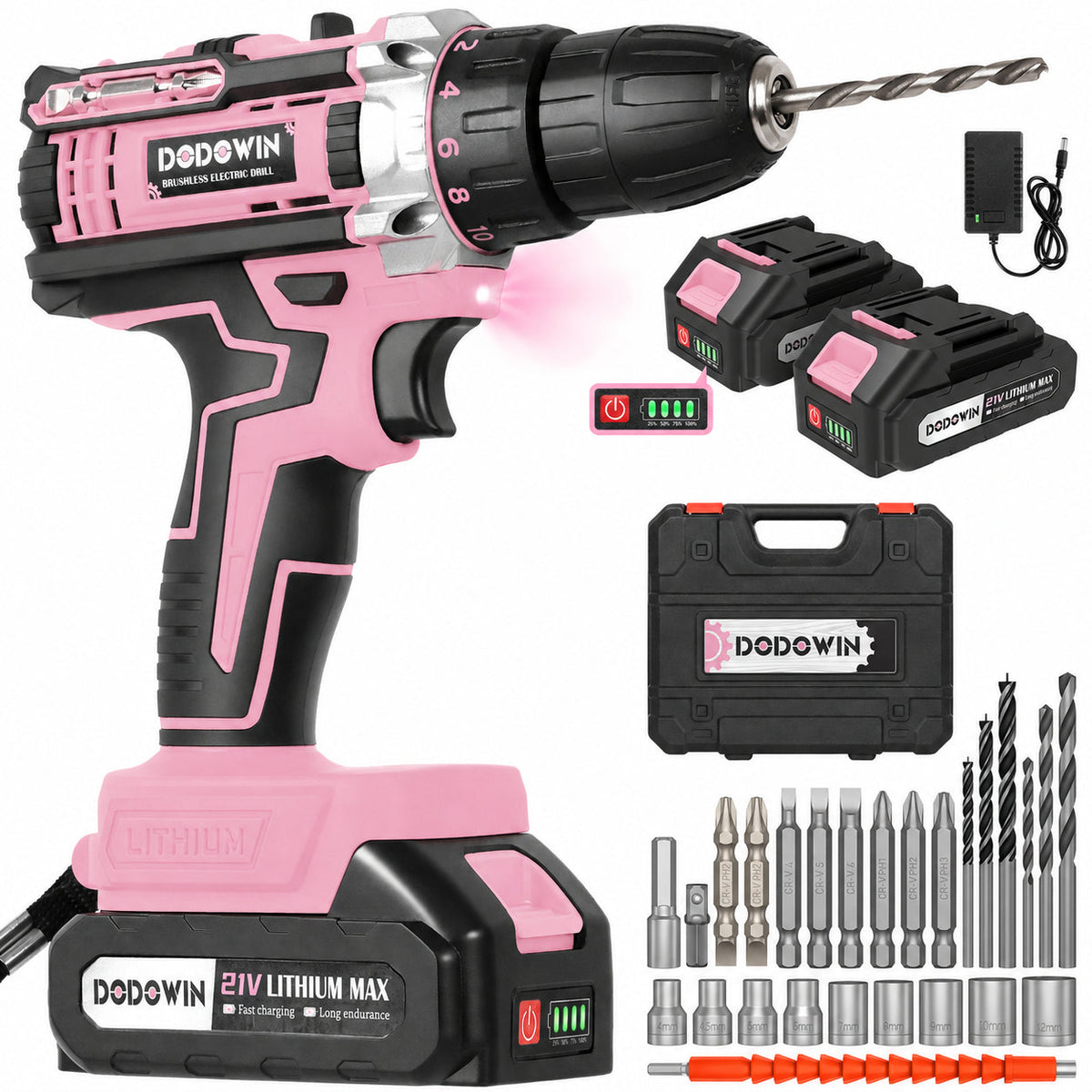
Quick answer
Use a low numbered setting for ordinary furniture screws when the furniture instructions allow a drill. On the DODOWIN DZ3, 1 is the lowest setting. Try a matching screw on similar scrap first. If the clutch slips and the screw is still too high, check bit fit and alignment before trying the next setting. Finish by hand if you need more control or the instructions require it.
1. Check the fastener and the furniture instructions
Confirm whether the hardware is an ordinary screw, a cam lock or another connector. Follow the assembly instructions for each part. Choose a bit that seats securely in the screw head. Remove the battery before changing bits.
2. Test on similar material

The DZ3 manual identifies positions 1 through 18 for screwdriving and a separate drill position. Start low with the same size and type of screw in comparable scrap. If the instructions specify a pilot hole or predrilled hole, use the same setup for your test. Stop when the head reaches the specified position. If you have no comparable scrap, use a hand screwdriver so you can check the fit as you go.
3. Use the result to decide what to change
| What you see or hear | What to do |
|---|---|
| Clutch clicks and the head is still proud | Release the trigger. Check the bit and alignment. If both are right, try the next setting on scrap. |
| The head reaches its specified position | Stop. Note the setting for matching screws in the same material. |
| Bit jumps out or the head starts stripping | Stop and confirm the bit profile and fit. |
Common questions
Does a setting of 5 mean 5 newton-meters?
No. The numbers mark relative positions, not calibrated torque. Compare the general clutch concept in the RYOBI drill tips; use your own manual for model settings.
See the pink DODOWIN DZ3 drill kit for available package options. Related guide: how to tell a drill from an impact wrench.